Platforms · WebTrader
Trade from any browser. Nothing to install.
A full trading terminal that opens in a tab. The same account, the same prices and the same execution as Xpert Trader, on whatever machine is in front of you.
At a glance
New- Zero install
- Syncs with XT
- One-click trading
- Works on any OS
Get started
Nothing to download
Log in and the terminal opens in your browser. Your Xpert Trader account, positions and history are already there.
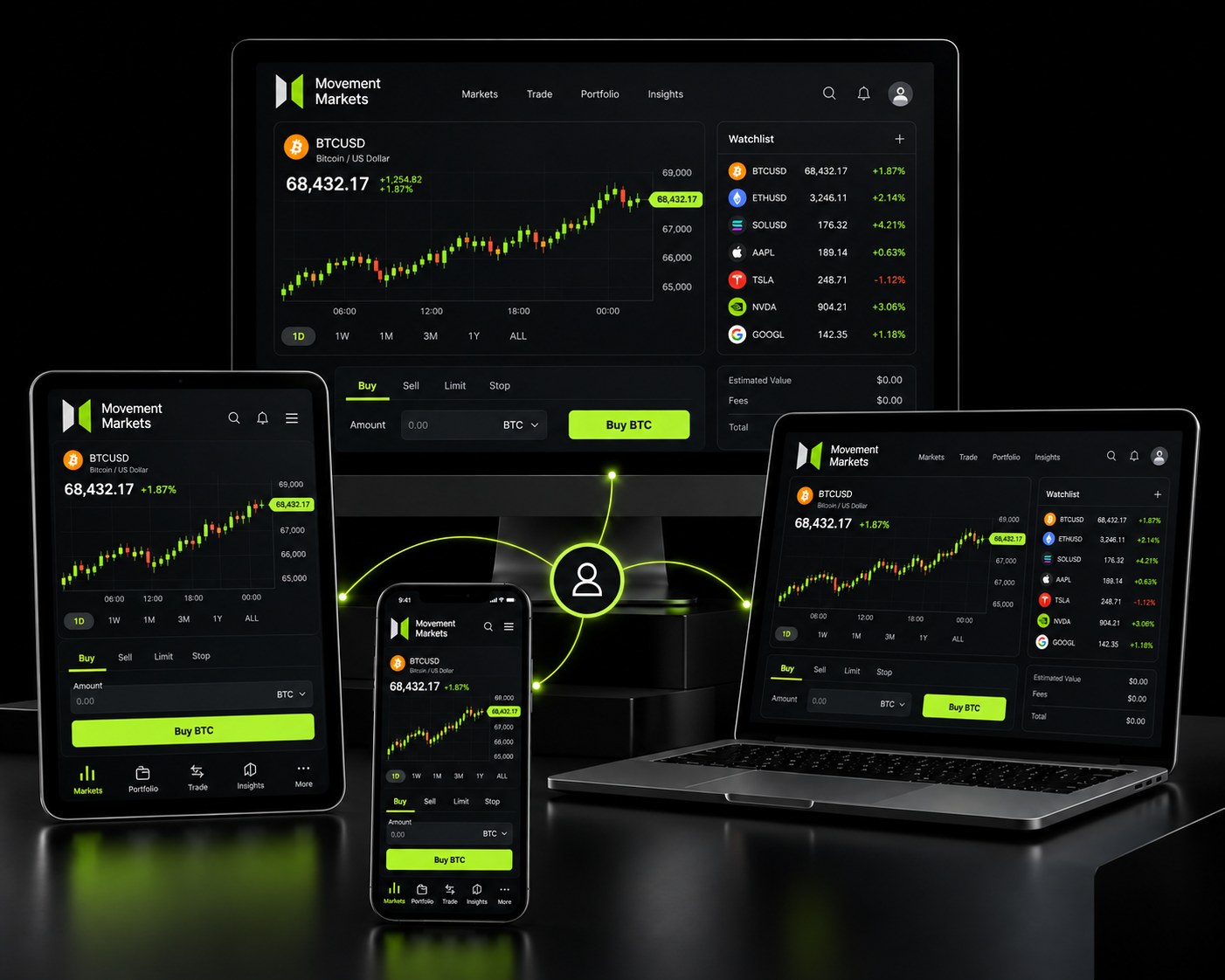
Everywhere
One account. Every screen you own.
Log in from the desk, the sofa or the departure gate. Positions, balances and history are the same wherever you open them.
- DesktopXpert Trader on Windows and macOS, with automated strategies and Depth of Market.
- BrowserWebTrader in any modern browser. Nothing to install, two-factor on every login.
- Phone and tabletThe XT apps on iOS and Android with full order management and charting.
Features
What WebTrader gives you
The numbers that matter when you compare platforms.
| Install required | None |
|---|---|
| Chart types | Candles, bars, line, Heikin Ashi |
| Indicators | Full standard library |
| Drawing tools | Full drawing toolset |
| One-click trading | Yes |
| Account sync | Shared with XT in real time |
| Two-factor login | Yes |
| Browsers | Chrome, Safari, Firefox, Edge |
WebTrader
Frequently asked questions
Do I need a separate account for WebTrader?
No. WebTrader and Xpert Trader share the same account and positions. Open a trade in one and manage it in the other.
Is it safe to trade from a shared computer?
Sessions end when you close the tab, and two-factor authentication is enforced on every login. We still recommend not saving credentials on machines you do not control.
Can I run automated strategies?
Not in WebTrader. Automated strategies need the Xpert Trader desktop terminal, a VPS or the FIX API.